
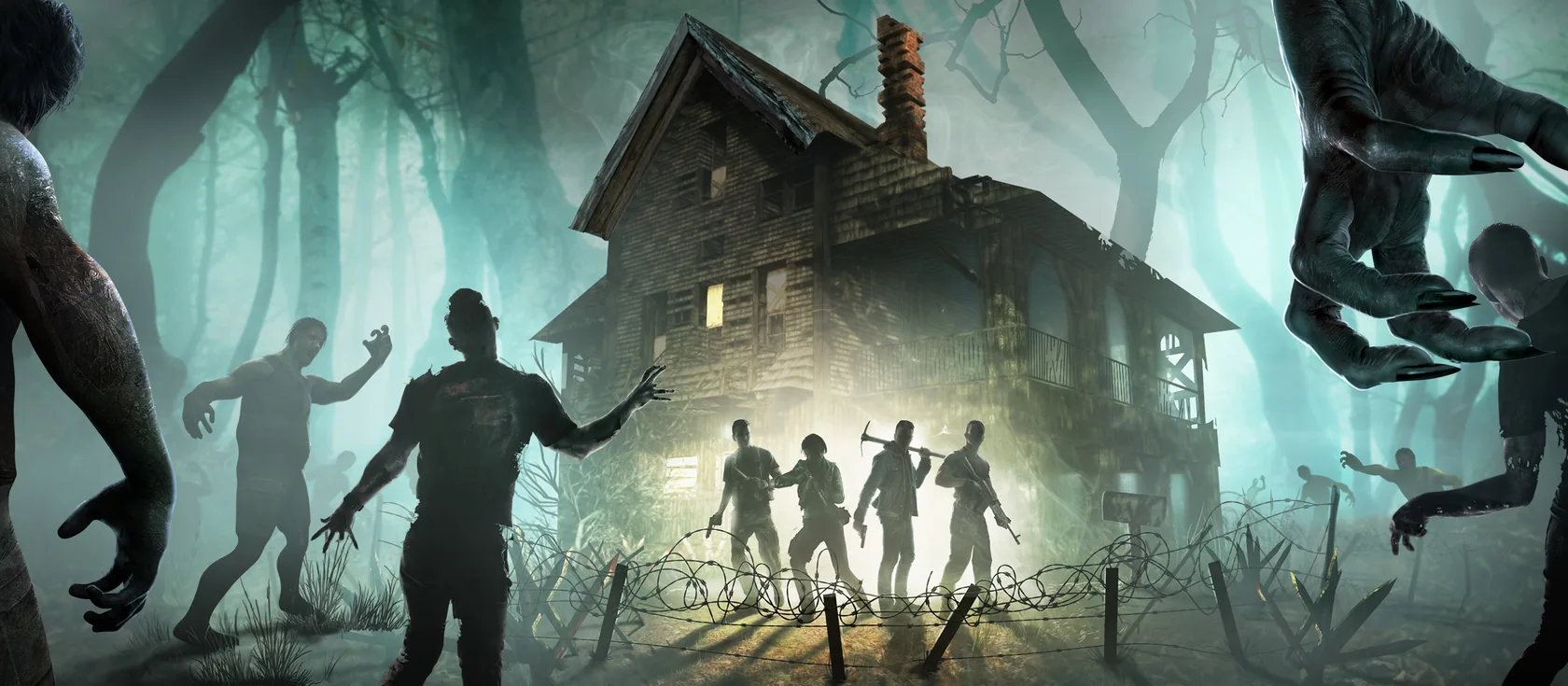
You can have a 7 Days to Die server running in a few minutes. Pick a plan with at least 8 GB of RAM, choose a world, and share the address and port from your address card with your friends. Making yourself admin takes one console command.
What you need
- Your own copy of 7 Days to Die. Each friend needs their own copy too. The dedicated server software is free and installs straight from Steam. We never ship game files.
- The same game version as the server. 7 Days to Die updates often, and players and server must match. The current version on 12 November 2026 is V3.4.
- A plan with enough RAM (the server’s memory). Bigger worlds and more players use more.
| Your group | Plan to start with |
|---|---|
| 2 to 4 friends, default world | 8 GB |
| Up to 8 friends, or a random world up to 8192 | 12 GB |
| A 10240 random world, overhaul mods, or a bigger group | 16 GB |
Create your server
- Choose 7 Days to Die in the game list.
- Choose a plan from the table above. You can upgrade later without losing your world.
- Choose a region: EU or US East. Pick the one closest to most of your players.
- Choose a name. It becomes your address, like
hordenight.play.wilderack.com. Names use 3 to 32 characters: lowercase letters, numbers and hyphens in the middle. - Pay, and the server installs the game from Steam and starts.
Pick your world
7 Days to Die can run a ready-made map or build a random one. Choose in Settings:
- Navezgane is the hand-made map that comes with the game. It starts quickly.
- Pregenerated maps (named like
Pregen06k01) are random worlds that ship ready-made, so they also start quickly. - A random world (RWG) is built from a seed and a size you pick: 6144, 8192 or 10240. Every seed makes a different world.
The world is set by GameWorld, WorldGenSeed and WorldGenSize in serverconfig.xml. Your save is named by GameName. Changing any of these starts a different world, so pick them before your first night. See the config reference.
The first start
The very first start takes longer, because the server downloads the game from Steam (about 15 GB).
If you chose a random world, the server then generates it. That can take many minutes on the first start, more for bigger sizes. You can watch the progress in Console. Later starts load the finished world and are much faster.
Each player’s game also downloads the world the first time they join. That’s a one-time wait too.
Make yourself admin
-
Join the server. See how to connect.
-
Open Console in the panel and type, with your in-game name:
admin add YourName 0 -
You’re now an admin. Level
0is full control and1000is a normal player.
You can also add admins under Settings > Players, which saves them to serveradmin.xml. If you linked Steam to your Wilderack account, the Make me admin button there does it in one tap. Once you’re admin, press F1 in game to open the game’s own console.
Invite your friends
To play: send them the address and port from the address card on Overview, plus the server password if you set one. The How to join card shows them the exact steps, and so does how to connect.
To help run it: open Friends and make an invite link with a role. Admin can change settings, mods and backups. Moderator can start, stop and use the console. Panel roles are separate from in-game admin levels.
Set up your game rules
Blood moon timing, zombie speed, loot and XP are sandbox options. Since V3.0 they’re saved together as one code instead of separate settings. To change them, you make a code in the game and paste it into Sandbox code in Settings. Blood moon and difficulty settings shows you how.
What sleeping means for 7 Days to Die
Your server naps when nobody’s playing, so you aren’t paying for an empty server to sit awake. It wakes when someone joins from PC by address or from their favourites, usually in a couple of seconds.
- The world is paused while it sleeps. No days pass, so no blood moon arrives while everyone is offline.
- A sleeping server drops out of the public server list and the crossplay list. Console friends need your wake link,
play.wilderack.com/w/hordenight, to wake it first. - A safe copy of your world is made every time it sleeps. See backups.
For a public server that strangers find in the list, keep it awake under Settings > Sleep.
What to read next
- How to connect: every way to join, including from console.
- Blood moon and difficulty: horde nights, loot and XP.
- Mods: modlets, overhauls and EasyAntiCheat.
- Performance: keeping blood moons smooth.
Questions
Do my friends need to own 7 Days to Die to join my server?
Yes. Every player needs their own copy of 7 Days to Die, on the same game version as the server. The dedicated server software is free and installs from Steam, so you don't buy anything extra for it.
How much RAM does a 7 Days to Die server need?
Start with 8 GB for a few friends on a small world, and 12 GB for most groups. Large random worlds (10240) and big overhaul mods need 16 GB.
Why does my 7 Days to Die server take so long to start the first time?
A random world has to be generated before anyone can play. Depending on the size, that can take many minutes on the first start. Later starts are much faster, because the world is already built.
How do I make myself admin on my 7 Days to Die server?
Join the server, then type admin add YourName 0 in Console in the panel. Level 0 is full admin. You can also add admins in the players list under Settings.
Sources we checked
- V3.0 Dead Hot Summer release notesThe Fun Pimps
- Command Console7 Days to Die Wiki (official)
- Server7 Days to Die Wiki (official)
