
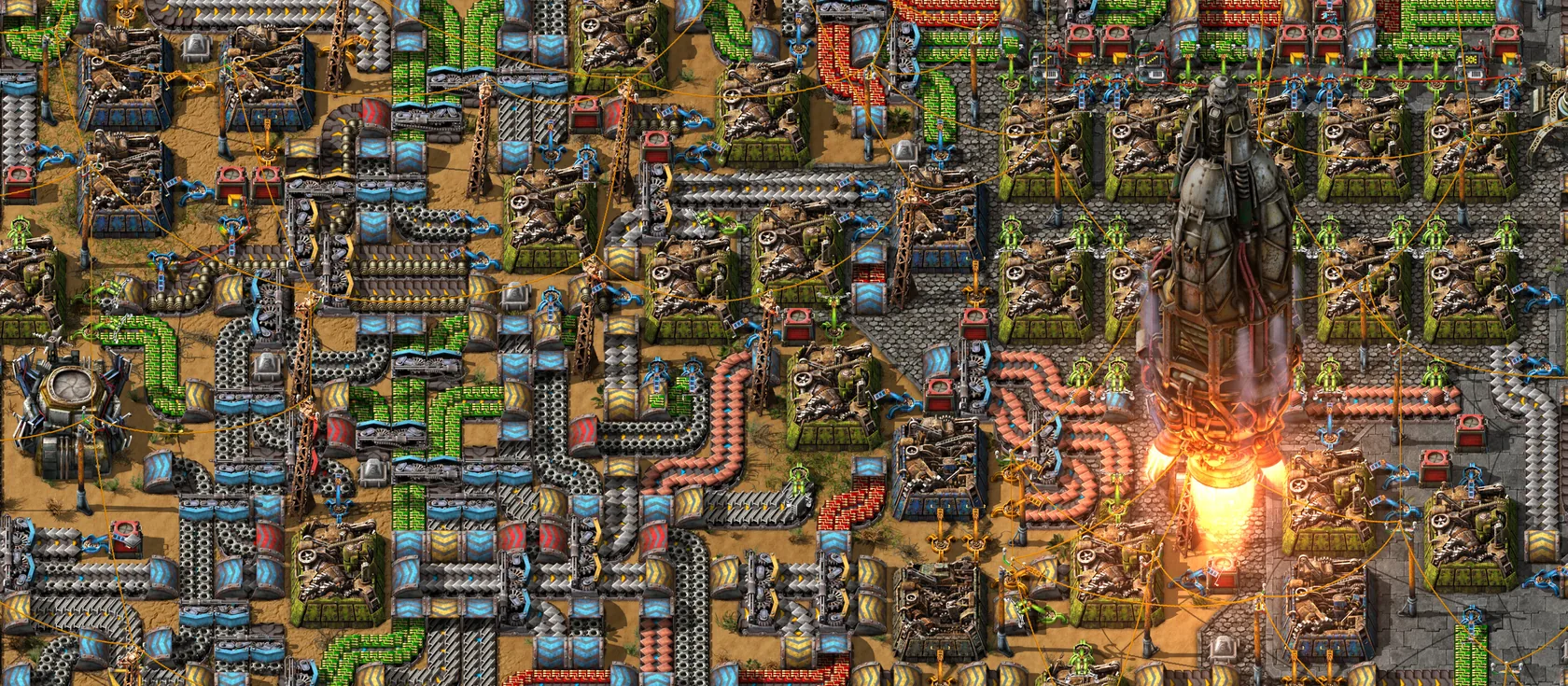
A Factorio server runs smoothly at 60 UPS (updates per second) until the factory gets very big. Most slowdowns come from the size of the factory, biters and pollution spreading, heavy mods, and long autosaves on a big map. Here’s how to pick the right plan and keep the game fast.
How UPS works
Factorio runs the whole factory on the server, then every player runs the same steps on their own PC. The game aims for 60 updates per second. If the server can’t keep up, UPS drops, and the game slows down for everyone at once.
Most of that work happens on one CPU core. So a megabase is limited by the speed of a single core, not by how many cores there are. More RAM helps a big map fit, but it won’t raise UPS on its own.
To see UPS in game, press F4, tick show-fps, and press F4 again. A counter shows FPS and UPS.
Find what costs the most
Factorio can show what eats the time in each update:
- Press
F4and tickshow-time-usage. - Look at the first number on each line. It’s the average time in milliseconds.
- One update has about 16.7 ms at 60 UPS. A line that uses more than 1 ms is worth a look.
The big lines to watch are the entity manager (machines, inserters, biters), transport lines (belts), the fluid manager (pipes), trains, and script update (mods). Script update has a line per mod, so a slow mod stands out.
How much RAM you need
RAM is the server’s memory. Factorio keeps the whole map in memory.
| Your game | Plan |
|---|---|
| Small group, early game | 2 GB |
| Most groups, through the mid game | 4 GB |
| Big map, lots of exploring, or a few mods | 6 GB |
| Megabase, big Space Age save, or heavy mods | 8 GB or more |
If the RAM graph on Overview keeps getting close to your plan’s limit, move up a plan. Your map comes with you.
What slows a factory down
- Factory size. Every inserter, belt, machine, robot and train is worked out every update.
- Biters and pollution. Pollution spreading, biters finding paths and new nests all cost time.
- Explored map and radars. Every chunk you’ve seen stays in the save, and each radar keeps updating the map.
- Fluids and robots. Huge fluid networks and swarms of robots add up.
- Space Age. Each planet and space platform is more to run.
- Mods. Some run code every update. One heavy mod can cost more than a whole factory wing.
Settings that matter
| Setting | Where | What to set |
|---|---|---|
autosave_interval |
server-settings.json, or Settings |
10 minutes for a small map. 15 to 20 for a big one, since everyone waits during a save |
autosave_slots |
server-settings.json |
5 is fine. More slots only use more disk |
non_blocking_saving |
server-settings.json |
Leave off. Wube calls it highly experimental |
max_upload_slots |
server-settings.json |
5 is fine. Lower it if joins make the game stutter for others |
max_upload_in_kilobytes_per_second |
server-settings.json |
0 (no cap) is fine for most groups |
minimum_latency_in_ticks |
server-settings.json |
0. Raise it a little only if a player’s connection is very shaky |
afk_autokick_interval |
server-settings.json, or Settings |
Set it if idle players keep a big map busy |
The config reference explains every key.
A short freeze every few minutes is almost always the autosave. On a big map, raise autosave_interval before you change anything else.
Choices for a new map
These are set when a map is made, in map-gen-settings.json and map-settings.json. They don’t change a map you already have.
- Peaceful mode (
peaceful_mode): biters only fight back. Less fighting, fewer paths to work out. - Fewer biter nests (
enemy-baseunderautoplace_controls): lower size or frequency. - No biter expansion (
enemy_expansion>enabled): biters stop building new nests. - A fixed map size (
widthandheight): stops the map from growing forever.
Some of these can turn off achievements for that map.
Restarts
Factorio doesn’t need daily restarts to stay fast. Restart after game updates and mod changes. If you want a set time anyway, use the Daily restart with warnings preset in Schedules.
Pick the right region
Distance adds delay. Pick the region closest to most of your players: EU for Europe, US East for North America. Factorio hides a lot of delay with latency hiding (the game predicts your own moves), but driving and shooting still feel it.
Read the graphs on Overview
Overview shows graphs for CPU, RAM, players and network, for the last 24 hours and 7 days.
| What you see | What it means | What to do |
|---|---|---|
| RAM close to the plan’s limit | The map has outgrown the plan | Move up a plan |
| CPU high all the time while people play | The factory is a lot for one core | Check UPS in game, trim biters or pollution, remove heavy mods |
| CPU and network spikes every few minutes | Autosaves | Raise autosave_interval |
| Network spikes when someone joins | They are downloading the map | Normal |
| Everything flat at zero | The server is asleep | Normal. It wakes when someone joins |
Desyncs aren’t lag
A desync is when a player’s game stops matching the server, and they get dropped. Lag and slow connections don’t cause desyncs. Bugs do, most often in mods. See Fix common Factorio server errors.
Questions
How much RAM does a Factorio server need?
2 GB for a small early-game map, 4 GB for most groups, and 8 GB or more for megabases, big Space Age saves or heavy mods.
What is UPS in Factorio?
Updates per second. The game aims for 60, and every player runs at the server's speed. When the factory gets too big for one CPU core, UPS drops and the whole game slows down.
Why does my Factorio server freeze every few minutes?
That's the autosave. Everyone waits while the map is saved, and big maps take longer. Raise autosave_interval to 15 or 20 minutes for a large map.
Sources we checked
- server-settings.example.jsonWube Software
- map-settings.example.jsonWube Software
- MultiplayerOfficial Factorio Wiki
- Tutorial: Diagnosing performance issuesOfficial Factorio Wiki
